Appearance
Git 的安装
如何检验安装成功
打开 cmd 或者 PowerShell 或者 bash(Windows 下装 git 附带),输入:
bash
git --version如果出现类似 git version 2.39.0 的输出就(大概)算安装成功。
Windows 平台
通过 Scoop 安装(推荐,但应该需要科学上网)
powershell
scoop install git通过安装包安装
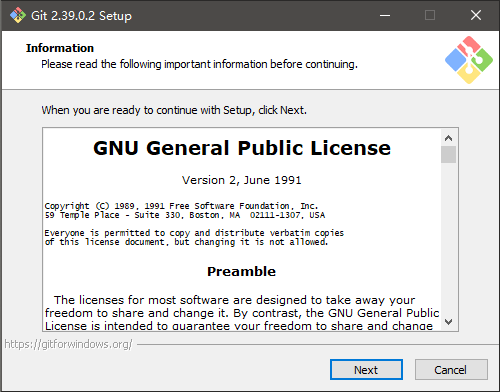
点 Next。
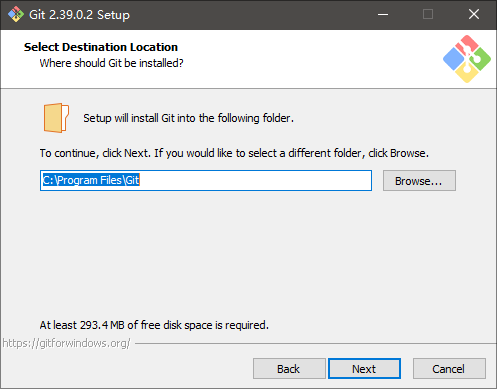
安装路径,建议保持默认。
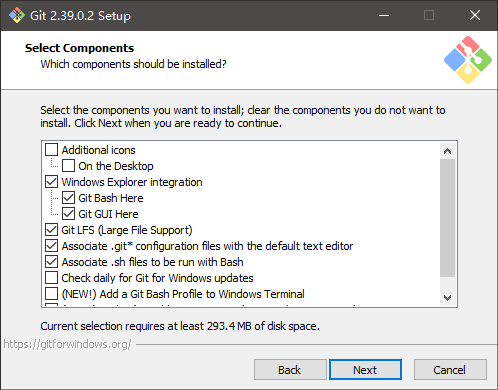
看不懂的话保持默认就行。
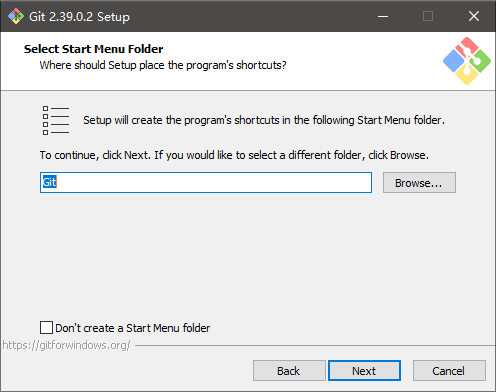
点 Next。
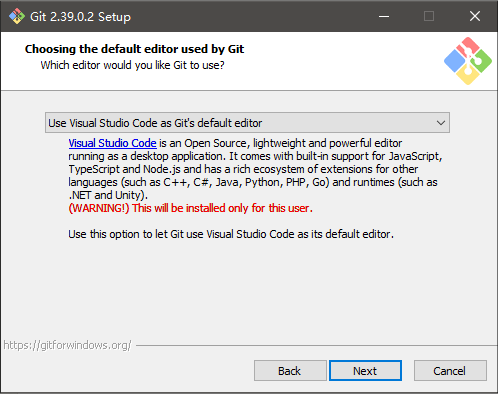
不知道选什么的话就按图上的来。
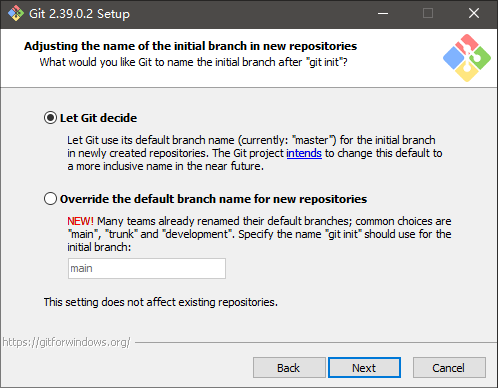
看不懂就保持默认。
后面的选项都是,看不懂就保持默认。
macOS 平台
真有的话可以群里踢我。
Linux 平台
自行解决
其它平台
同上
其它
学习资料:
- 《Pro Git》